Verify Installation
In order to verify that the installation was successful and that all Edgify system components are working properly, you can execute the following steps:
- On the edge device, open the browser using this URL:
http://localhost:8090/#/overview. (or from an alternative device, replace localhost with the IP address of the Edgify-enabled machine) - You should be seeing the Edgify Setup Tool UI in your browser. You might need to enable the video stream by clicking on the icon on screen).
- The Setup UI Tool will request a password - paste the account token you received from your Edgify account manager.
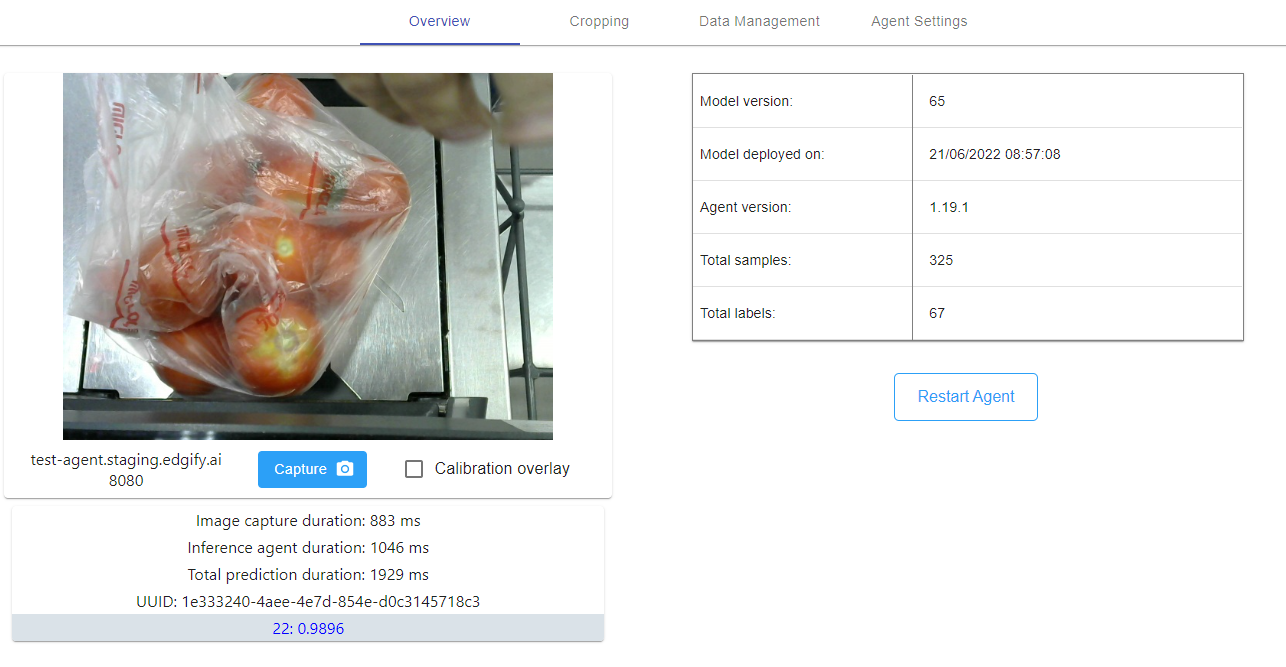
- Now you can use this tool to place some items in front of the camera and you will see the prediction results on the screen:
NOTE: The Default Model on the agent is just for testing that the API works, it's not for actually identifying items.